Future Features

The next generation of VividForm Pro tools.

VividForm is continuously evolving to make managing your images faster, smarter and more efficient.

We're developing powerful new tools designed to streamline your entire image workflow. These upcoming features will be available as part of VividForm Pro and supported with detailed documentation and video tutorials when released.

Green outline of a five-pointed star.

What's Coming

A simple line drawing of an open book with green outlines.

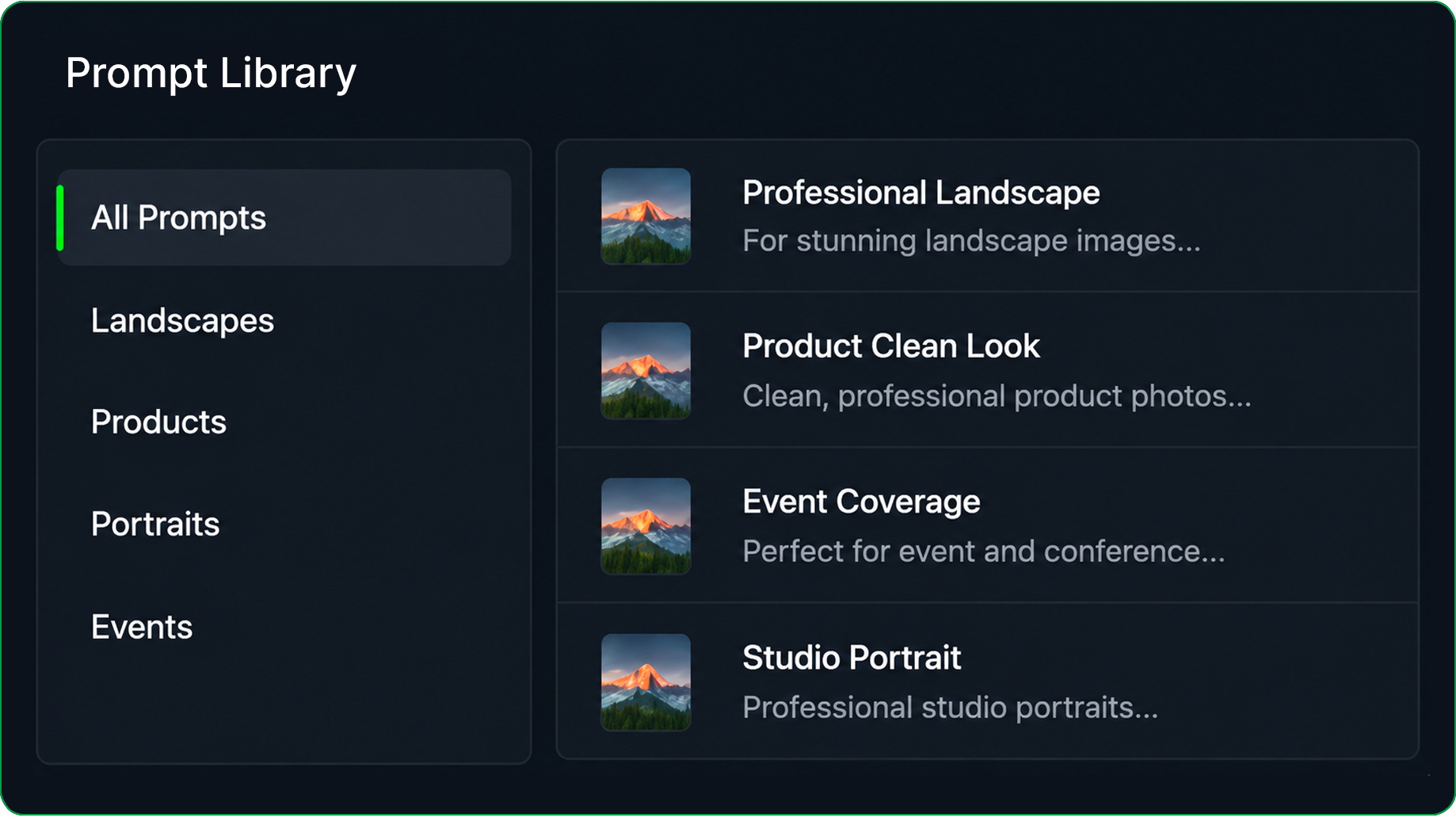
Prompt Library

Organise, save and reuse AI prompts for different projects and workflows.

Build reusable prompt collections for consistent AI results.

Green button with black outline and text 'Coming Soon'
Screenshot of a 'Prompt Library' menu with categories such as All Prompts, Landscapes, Products, Portraits, and Events. The selected prompts include 'Professional Landscape,' 'Product Clean Look,' 'Event Coverage,' and 'Studio Portrait,' each with a landscape image of mountains and a forest.
Icon of two green and black folders

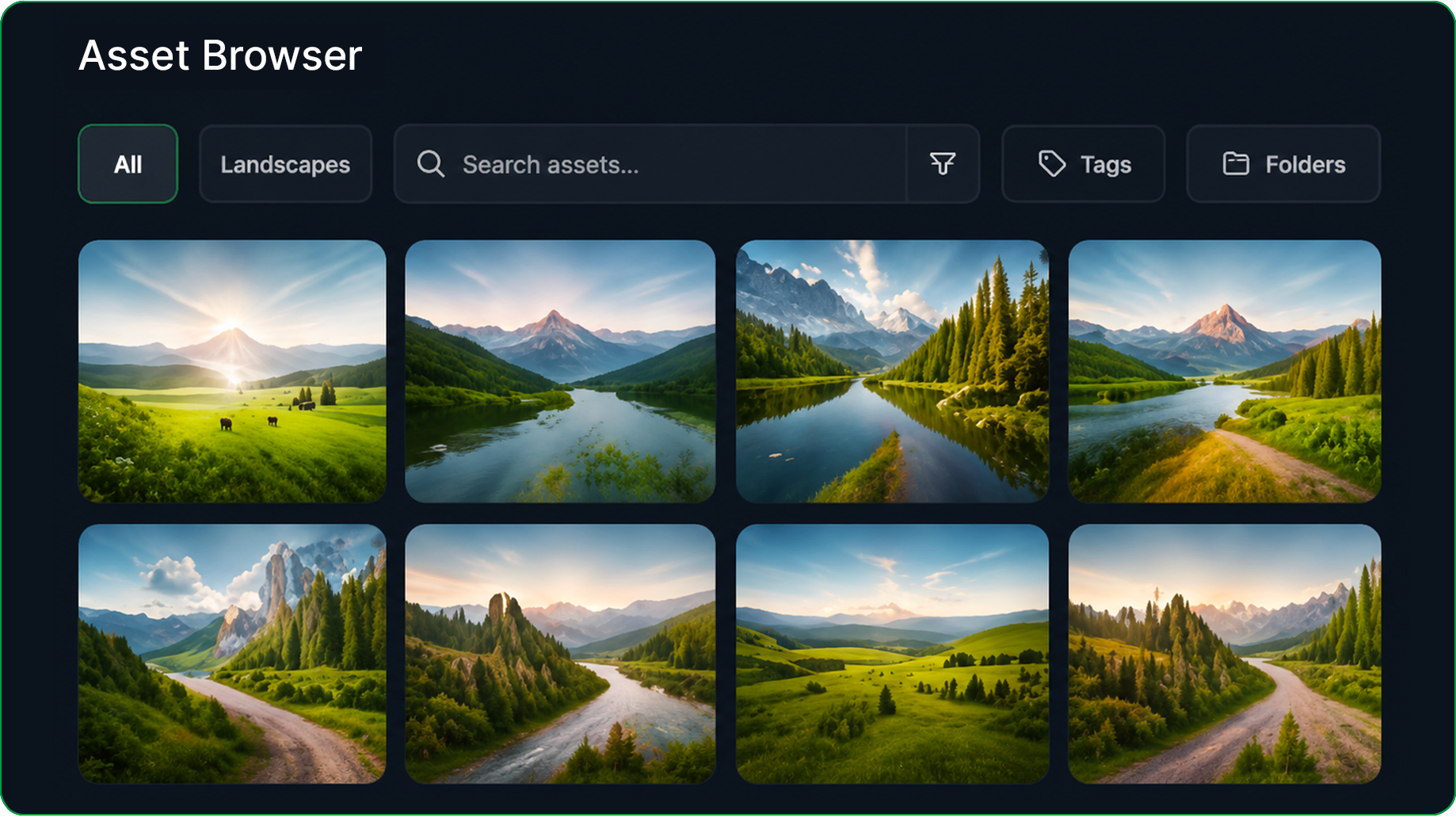
Asset Browser

Browse, search and organise image assets using filters, tags and collections.
Green button with black border and the text 'Coming Soon' in green
Screenshot of an asset browser showing landscape images of mountains, rivers, and green fields with blue skies, in a digital file management interface.
Simple drawing of a black price tag with a green border and a small green circle near the top left corner.

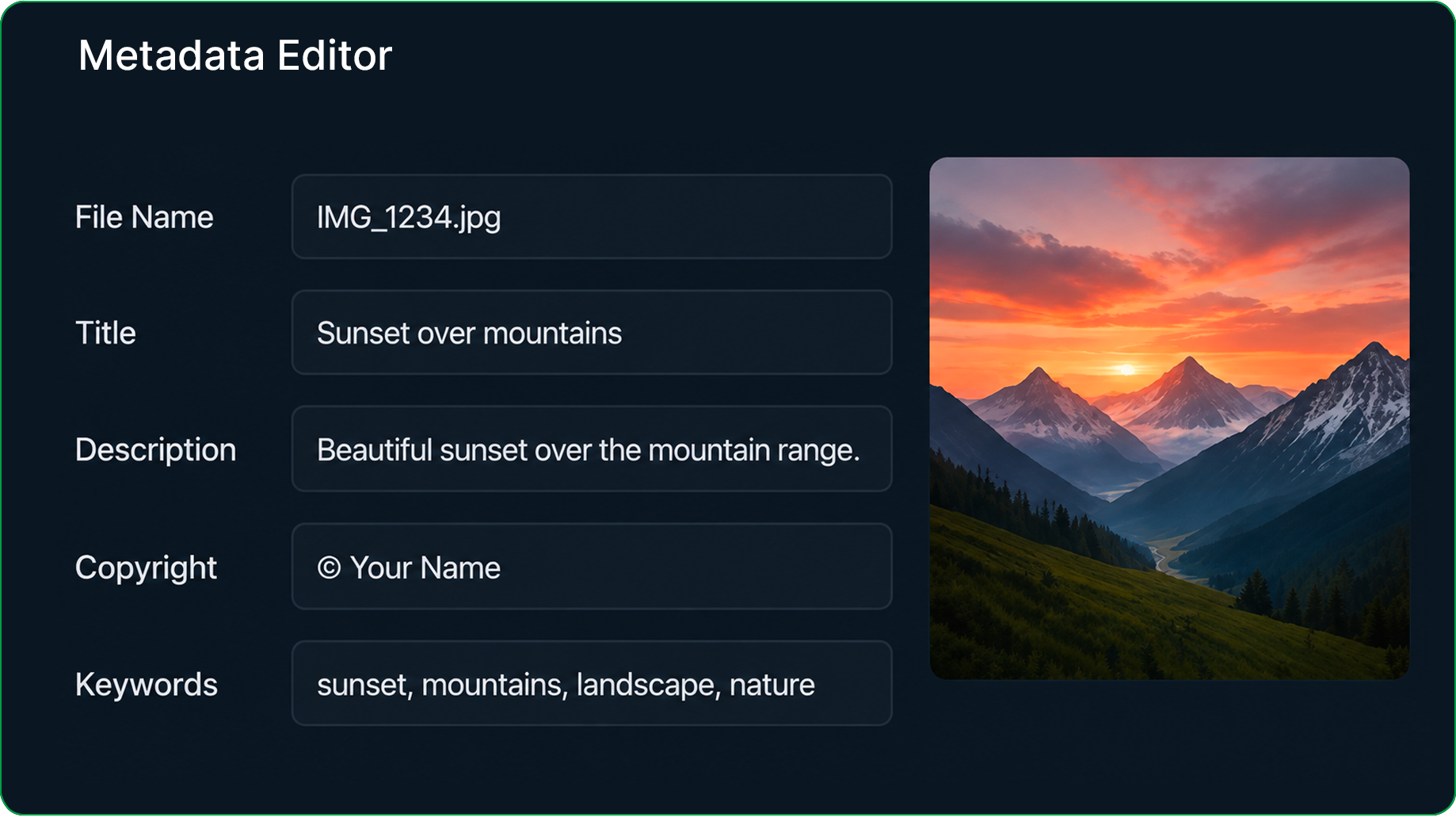
Metadata Editor

Edit image metadata individually or in batches.

Keep your images organised and easier to search.
Digital sign displaying 'Coming Soon' in green text on a black background.
Screenshot of a digital metadata editor displaying information for an image titled 'Sunset over mountains.' The image shows a scenic landscape with a colorful sunset, mountains with snow on their peaks, a green valley, and a winding river.
Green upload icon with an upward arrow inside a rectangle

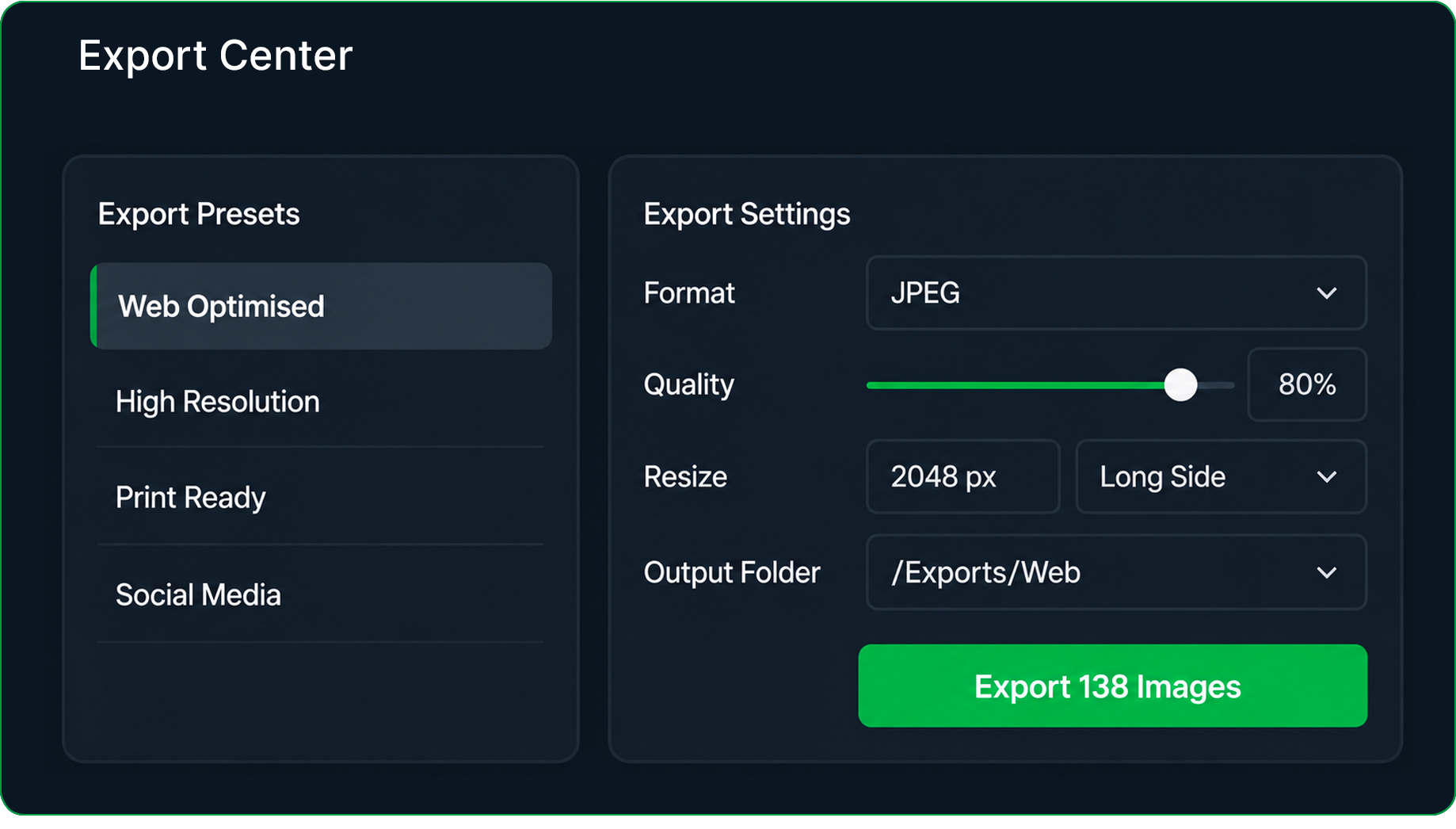
Export Center

Export processed images using reusable presets for different destinations and formats.
Green rectangular button with black border and text that reads 'Coming Soon'.
Screenshot of export settings in a photo editing software, showing options for export presets like Web Optimized and High Resolution, with settings for format, quality, resize dimensions, and output folder. A green button labeled 'Export 138 Images' is at the bottom.