
Install VividForm
Download and install VividForm on Windows or macOS in just a few minutes.
◷ Estimated time: 2–3 minutes

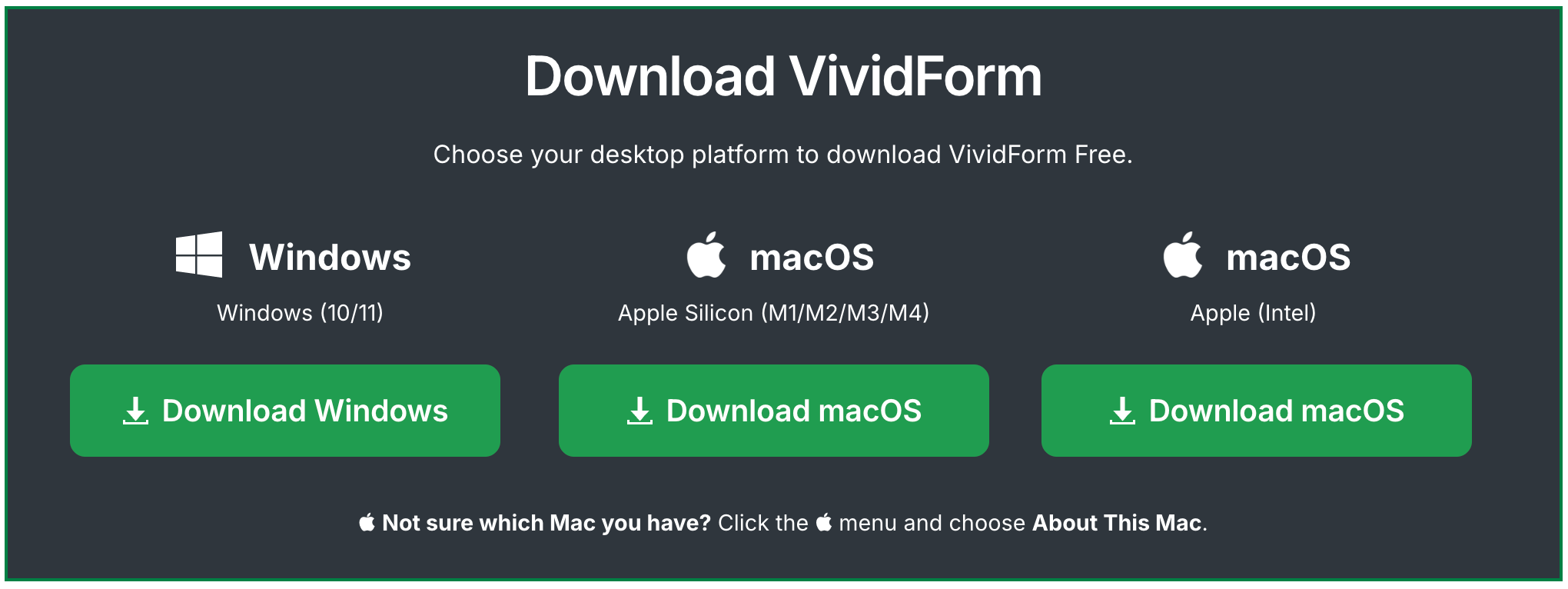
Run the installer and follow the on-screen instructions.
Windows
On Windows, run the installer and follow the setup wizard.

Install VividForm
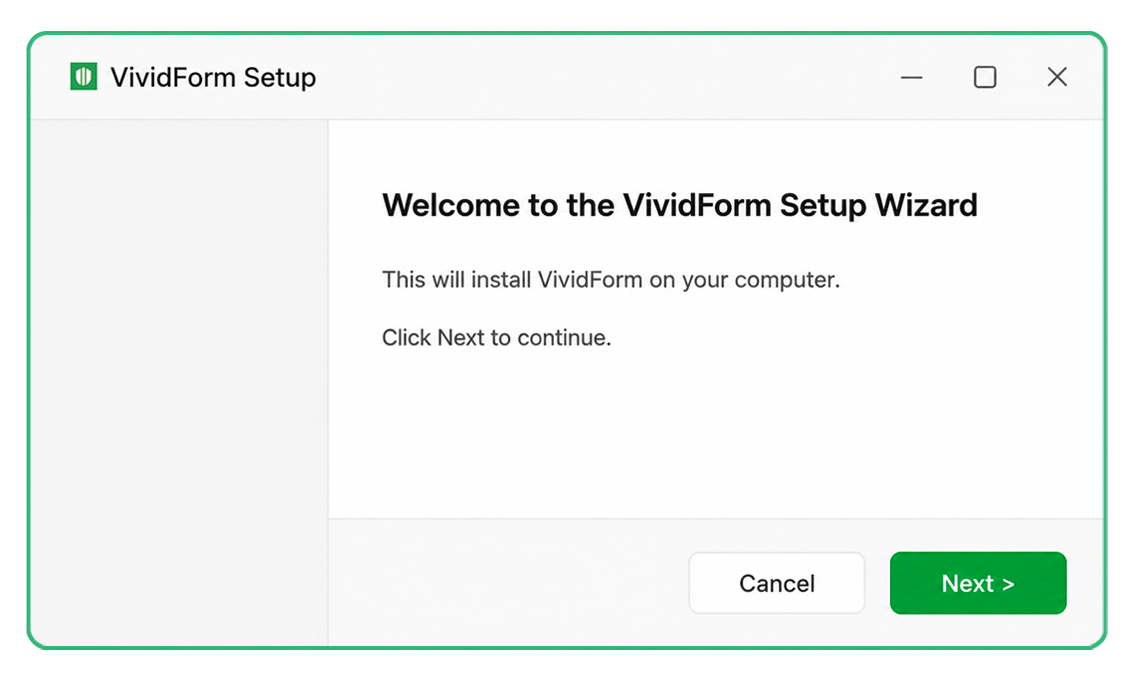

If Windows displays a SmartScreen warning, choose More info then Run anyway if you downloaded VividForm from the official website.
macOS
On macOS, drag VividForm into your Applications folder.
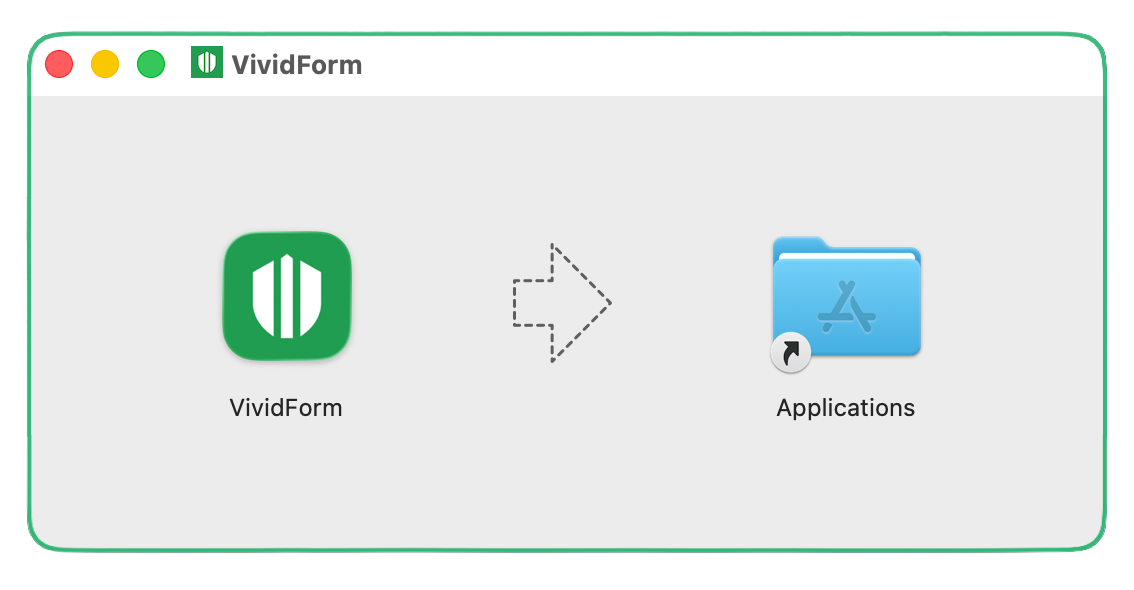
If macOS warns that VividForm was downloaded from the Internet, click Open to continue.

Launch VividForm
Open VividForm from your Applications folder (macOS) or Start Menu (Windows).
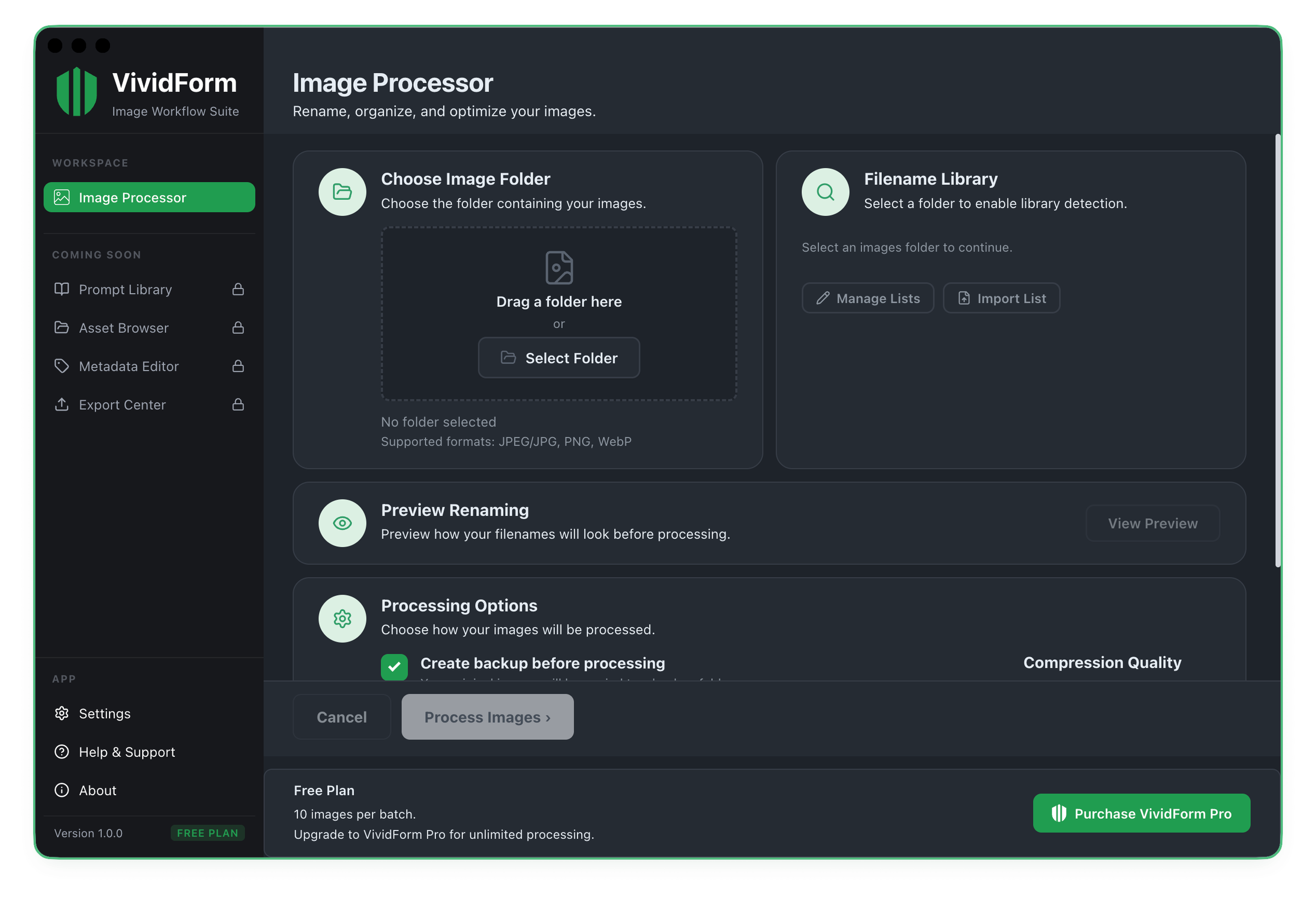
On first launch you’ll see the Image Processor ready to use.

Continue to Your First Batch
Learn how to process your first images and create your first Filename Library.